Anki-Claude
Direct Claude integration into Anki - no screen switching needed!
April 9, 2026
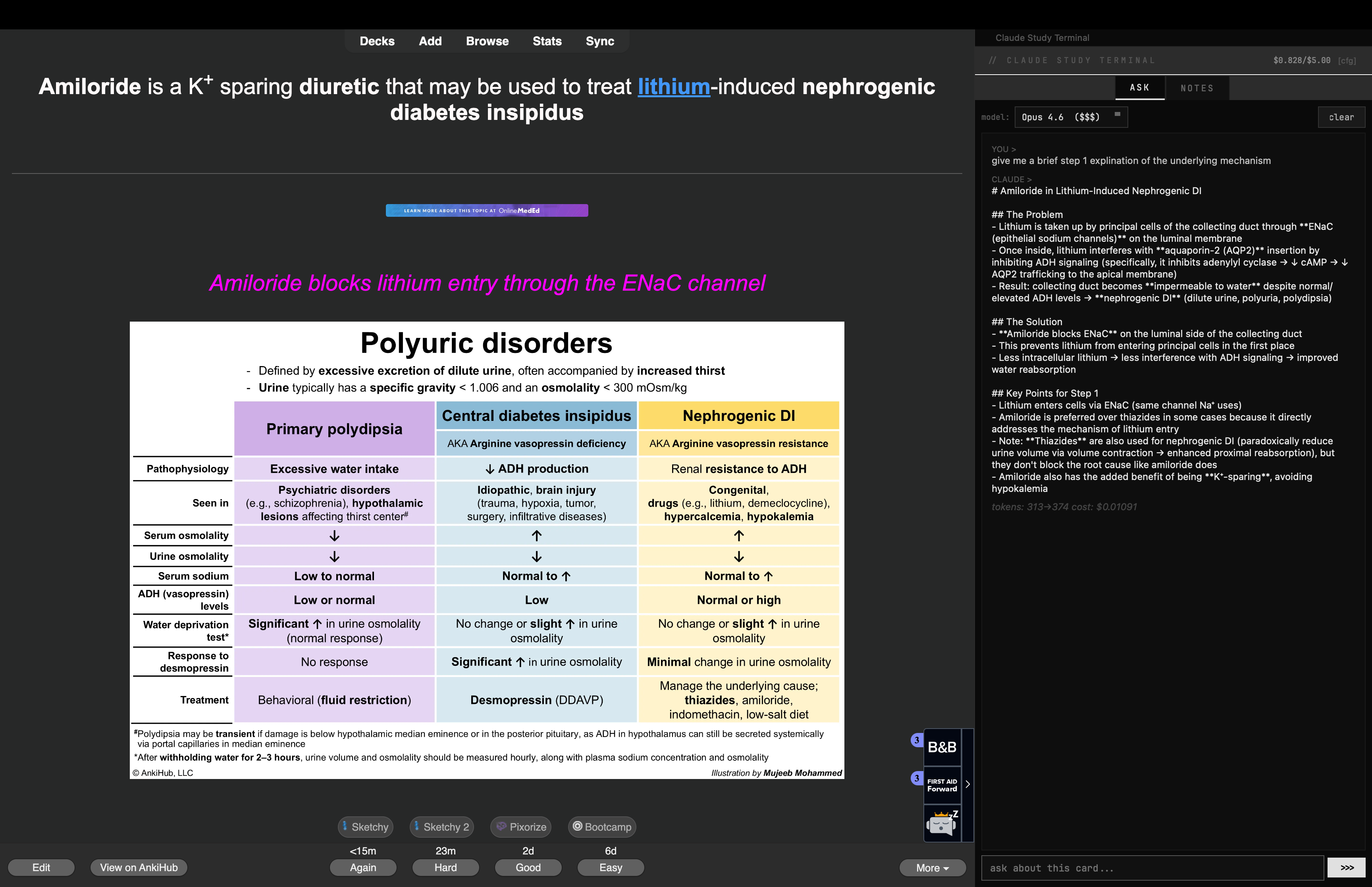
This program was built for direct integration of Claude into Anki. Ask the terminal a question as you would any LLM. The program receives the full Anki card as context with every query submitted (manual click or Shift+Return), and outputs an answer on the same screen. You may also choose the model you wish to use, and see the cost (typically, <1 cent) per query and the total cost over the lifetime of the program.
Notes may also be added to each card in the notes tab and are autosaved locally with each keystroke. Notes and their corresponding cards are also searchable (Ctrl+Shift+S). Terminal dimensions may be configured on the panel itself.
Install — Mac
Download claude_study_terminal.zip and unzip it
Open Finder, press Cmd+Shift+G, paste: ~/Library/Application Support/Anki2/addons21/
Drag the claude_study_terminal folder into that directory
Restart Anki
Install — Windows
Download claude_study_terminal.zip and extract it
Press Win+R, type %APPDATA%\Anki2\addons21\ and hit Enter
Drop the claude_study_terminal folder in there
Restart Anki
Linking your API key
Go to console.anthropic.com → sign in → API Keys → Create Key
Copy the key (starts with sk-ant-...)
In Anki, the Claude Study Terminal panel will appear on the right side when you enter review mode. Click the gear icon in the panel header
Paste your API key, set your monthly budget, pick a default model (Haiku 4.5 is cheapest, Sonnet 4.6 is the fastest & Opus 4.6 provides the best answers), and hit OK
Attachments